
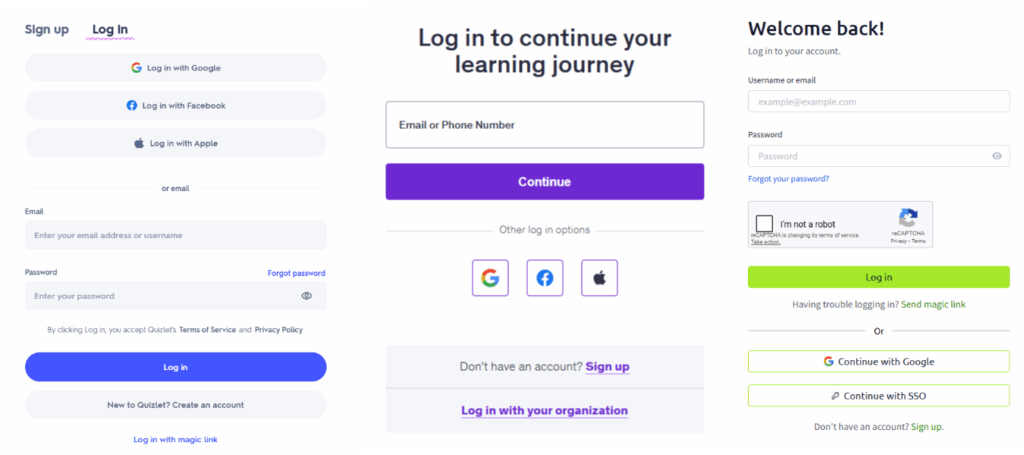
Two of the most useful technologies available today are Identity Federation and Single Sign On (SSO). If your business does most of its workflows online using a wide array of different websites and services, then these technologies can be a lifesaver. Both federation and SSO allow users to sign in to different resources using a single set of credentials centrally managed by one Identity Provider. For example, your employees could use their Google accounts to sign into accounting software, project management software, and meeting programs.
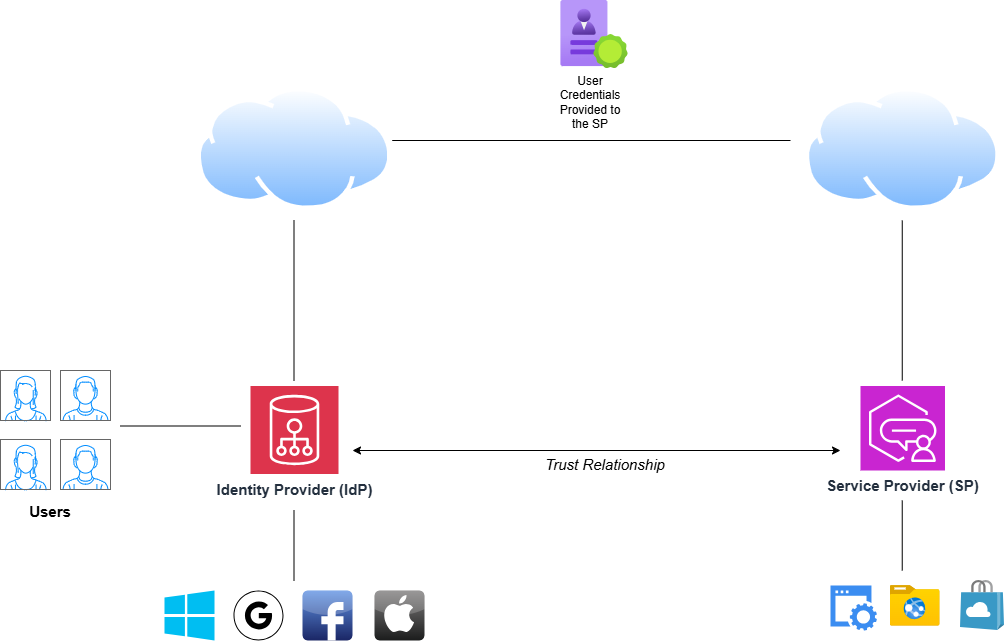
There are some differences in how federation and SSO work that need to be mentioned. First of all, federation allows users to access resources hosted by different organizations using their single set of company credentials. This is accomplished by implementing trust relationships between the organizations.
An organization hosts its company user accounts on an Identity Provider (IdP). Common IdPs are Microsoft, Google, Facebook, and Apple ID. Some IdPs that are more business-specific include Okta, Auth0, and Active Directory Federation Services. User account administration is done on the company dashboards for the IdP of choice. Passwords, MFA, and access controls are done here.
The website or app that a company user wants to access is the Service Provider (SP). The name is pretty straightforward; it is the exterior organization that is hosting the service that users in your organization want to access. For federation to work, the SP needs to trust your organization on your IdP.
How exactly are credentials transported from the IdP to the SP? There are a variety of standard protocols that exist specifically for federation identity:
- SAML 2.0: the most basic and popular, Security Assertion Markup Language, uses XML to grab user credentials from the IdP when a user authenticates, then passes those credentials and associated attributes to the SP. SAML also digitally signs its assertions to ensure security.
- OAuth 2.0: OAuth is more geared towards authorizing user identities rather than authenticating them. When a user tries to connect to the SP, the user authenticates to the IdP, and the OAuth authorization server grabs the credentials. The authorization server passes an authorization token to the SP, which, in return, grants an access token to the user. The access token allows the user to securely connect to the end resource.
- OpenID Connect: This protocol combines the authorization features of OAuth with authentication added in. In this implementation, a user authenticates to the OIDC IdP and is provided with a code, which is then exchanged for both an ID and an Access Token. The SP validates the ID Token, and once successful, the user accesses the resource with the Access Token.
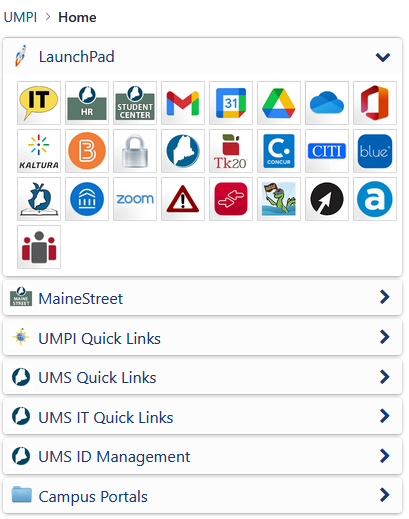
Now that you know the specifics of how federation works, you may be wondering how SSO is different. Whereas federation is a process that allows users from different IdPs to trust each other, SSO is the specific end that is enabled by federation. With SSO, a user can authenticate once and access different resources. For example, an employee can log into the company portal and access their time entry portal, their email, and the company chat. SSO can be implemented across different IdPs and within an organization itself. So essentially, SSO is a feature that is often enabled by federation.
As you can see, there are many great benefits to implementing federation and SSO in your organization. Employees no longer have to deal with the strain of remembering different credentials for every website and resource. As a business owner, you may get a better sense of security knowing that employees are using a single set of credentials to access resources, thus eliminating a lot of shadow IT concerns. However, there are some downsides to using federation and SSO. Even though federation protocols are secure, skilled attackers can still hijack sessions or forge tokens if they know what they’re doing. Using a single set of credentials also creates a single point of failure, much like with password managers. If an attacker compromises a user’s master set of credentials, they can also access a wide array of company resources. Therefore, it is important to ensure that employees use strong authentication factors for their accounts and are educated on the common cyber threats that can compromise their credentials.