The username and password combo is the classic, default authentication mechanism utilized by most digital users. However, passwords are one of the most heavily targeted resources in use. Dozens of attacks exist for targeting passwords, from brute forcing to rainbow tables to password spraying. Many of these attacks have a track record of being successful. Oftentimes, compromised passwords are the key to unlocking an organization’s digital infrastructure and exposing it to further attacks.
Multifactor Authentication (MFA) exists as a mitigation against password attacks. It strengthens the barrier to a user’s identity by requiring multiple unique factors to be provided for authentication. Passwordless Authentication is another mitigation technique and is often paired with MFA for extra security. Passwordless authentication eliminates the entire burden of using passwords in favor of more secure primary authentication factors.
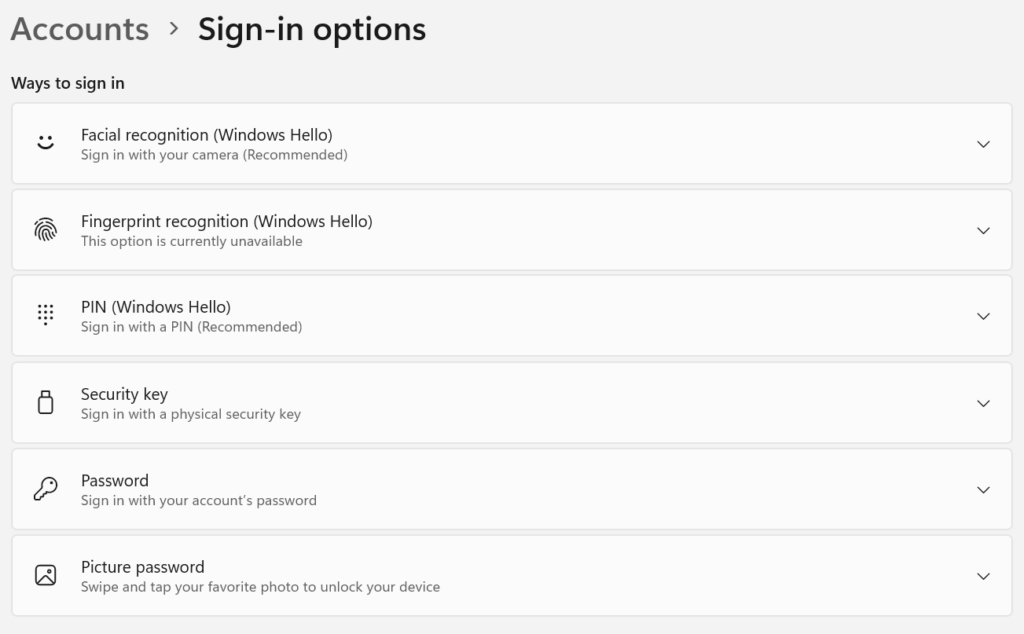
Passwordless Authentication options are becoming more popular. Many identity provider solutions like Azure and Google Workspace offer admins the opportunity to mandate passwordless authentication organization wide. Passwordless authentication can also be enabled on devices themselves through solutions such as Windows Hello.
Biometrics is a popular method for passwordless authentication. Many mobile phones allow users to unlock their devices by scanning their fingerprints. Windows Hello allows Windows users to use facial scans to unlock their PCs. If they are available, biometrics are highly recommended for authentication, as they are extremely difficult to spoof.
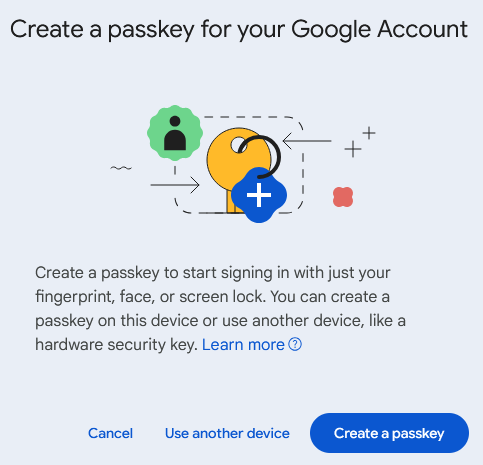
Another common technology used for passwordless authentication is the passkey. You will often be encouraged to use one of these on supplier websites such as Amazon and eBay. Google has also made a significant push towards switching to passkey authentication on their services.
A passkey utilizes public key cryptography to authenticate a user identity. When a user registers their identity with a website or service, they are prompted to create the passkey, resulting in two separate pieces being created: a public key, which is stored by the website/service, and a private key, which is stored on the user’s device. Users can usually store the private part of their passkey in a password manager.
Now whenever the user authenticates to the website/service, they simply provide their passkey to register the private key with the public key. As long as the two match, the user will be authenticated. Using passkeys may sound complicated when explained, but it is actually quite simple. Users may even find managing a passkey to be easier than managing passwords.
Passwordless authentication is definitely going to be a staple technology of the future. Its resistance against spoofing and phishing makes it desirable for organizations with lots of user account traffic.
In a small business environment, it is a lot easier to deploy and manage passwordless authentication mechanisms than it is in a large enterprise. If your organization utilizes a handful of employees with Windows PCs, configure them to use Windows Hello for authentication rather than a password. If you have organizational accounts on major e-commerce or financial websites, switch to passkey authentication. For even more solid authentication security, ensure that MFA is utilized with Passwordless Authentication. For example, you could require your employees to authenticate with both biometrics and a One Time Passcode (OTP) sent to a dedicated device. This combination is far more secure than simple passwords.
Before switching to passwordless authentication, consult with your cybersecurity team to discuss options for implementation. Weigh the pros and cons of different passwordless options and narrow down the one best suited for your organization. Ensure that a smooth implementation plan is followed and that users are well educated in how to manage their authentication factors.