
A key part of successful cybersecurity operations is learning to think like an attacker. By examining your IT assets from the perspective of someone wanting to break in, you can identify gaps in security coverage that may have been overlooked when viewing the assets from a purely defensive standpoint.
For a cyberattack to be successful, threat actors must take the time to perform reconnaissance on their potential targets, gathering intelligence on vulnerabilities to exploit. There are two main types of reconnaissance: active and passive. Active reconnaissance is the act of directly probing target infrastructure to gather real-time details about its operation. Examples include port scanning, OS fingerprinting, and DNS enumeration. Passive reconnaissance is the act of gathering information about a target using non-intrusive sources without directly confronting its infrastructure. The data gathered during passive reconnaissance is known as Open Source Intelligence (OSINT).
Already in Stage 1, you have collected some active reconnaissance sources on your own network, such as Nmap scans and vulnerability reports. These reconnaissance sources will be very beneficial in helping plan the cybersecurity program. In addition to these active scans, you can perform reconnaissance on your organization by surfing the Internet and using some basic reconnaissance tools.
Have I Been Pwned?
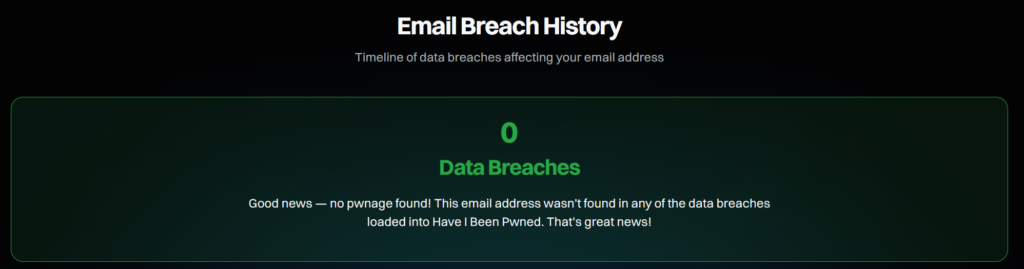
This simple website allows you to search for your email address and check if it has been involved in any data breaches. If your organization has utilized the same email addresses for a long time without any serious security checkups, it is a good idea to run your email addresses through this check. If the website finds your email in any breaches, then it is a sign that security for digital identities and email is lacking in your organization.
Google Dorking
Another easy method of performing reconnaissance, Google Dorking, involves building queries in Google searches that search a custom domain for any public data published on the web. For example, you could search your organization's url for any PDFs published on the web:
site:umpi.edu filetype:pdf
You can further narrow the results down by searching for PDF files that contain specific keywords. This would be useful for detecting any obfuscation of sensitive data onto the web:
site:umpi.edu filetype:pdf schedule
You could also search for Excel sheets published on the web:
site:umpi.edu (filetype:xls OR filetype:xlsx)
You can also search for any email addresses using your domain:
site:maine.edu "@maine.edu"
Google Dorking is a great, simple way to gain an understanding of what data relating to your organization is accessible on the Internet.
Shodan.io
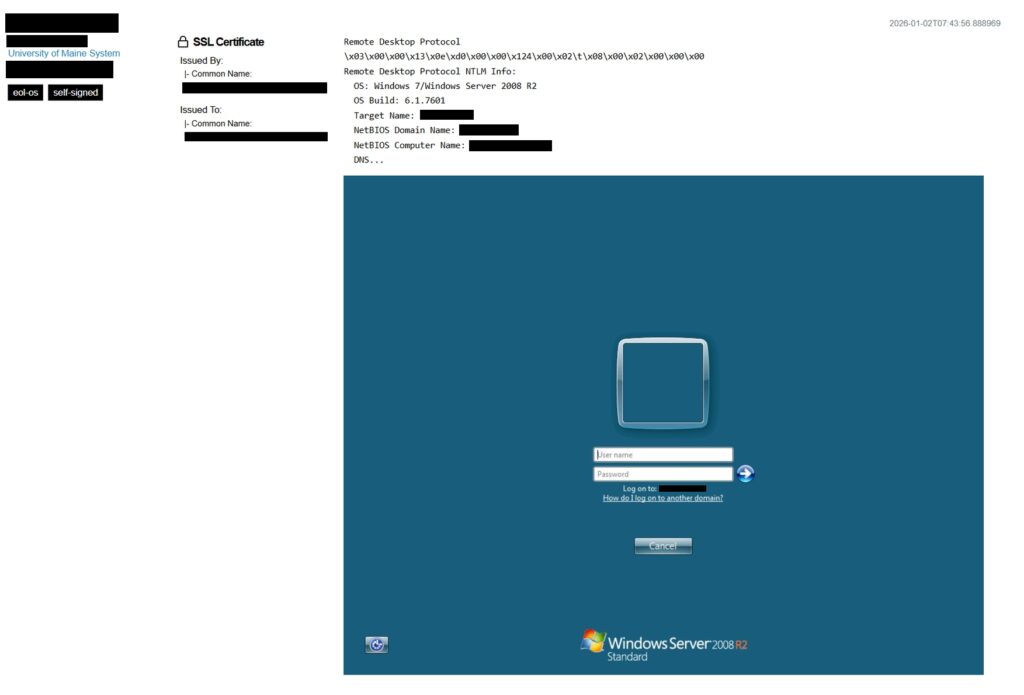
A very common network security mistake is leaving ports open to the Internet. Sometimes this is done by accident, while other times ports are opened purposely to enable port forwarding for remote access. For example, a small business owner may set up a few IP security cameras and forward port 554 so they can watch the feeds from home. The problem with all of this is that anybody can view and access the open ports. This greatly increases the chances of compromise, as there are scanners out on the Internet that look for open ports 24/7. Shodan.io is a special search engine that allows you to look for open ports and services across the world. Like Google Dorking, there is a special syntax that is used to query results. As part of reconnaissance, you can look up your organization's public IP to see if there are any open ports/services were previously unaware of.
TheHarvester
TheHarvester is an OSINT tool that conducts a comprehensive search of the Internet for data related to a provided domain. It can pull up data such as email addresses, subdomains, IP addresses, and names. If you are a beginner with cybersecurity tools, it may take a bit of trial and error to get used to theHarvester's syntax. However, it is one of the best free OSINT gathering tools out there, and is a great way to gain an understanding of your organization's current threat surface.