
Access Control is by far the most important part of a cybersecurity program. Without access controls, the digital landscape would be a chaotic no-man's land where anybody could access any resource regardless of their need-to-know basis. Access controls can be both physical (keys) and logical (privileges assigned to groups in a system). There are several different models that are used to assign and manage access. It helps to have an idea of how each model works. Even if your work environment is dominated by a single platform, you are likely to use a combination of different access control models to secure your resources. For example, your cloud resources on AWS use a different access control model than your local file shares on Windows computers.
Discretionary Access Control (DAC)
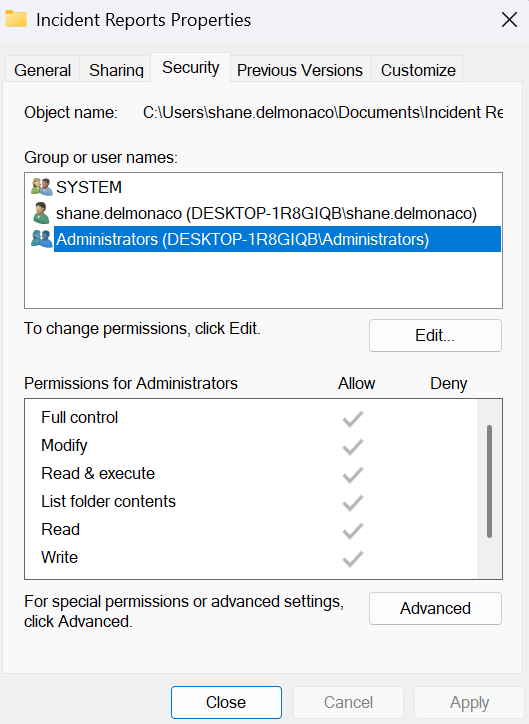
In a DAC scenario, the user who creates a resource is the automatic owner of said resource. The owner is the one who determines and assigns the levels of access for other users in their environment. The owner will usually be provided with a virtual Access Control List (ACL) that allows them to select other users and assign them rights and privileges. Since resource owners determine the levels of access granted to other users, DAC is a very decentralized form of implementing access controls. DAC has the positive effect of being convenient for end users, but it can be problematic in high-security environments that require strict adherence to security standards/guidelines for internal data. Probably the most popular example of DAC is the Window file system. A user can create a folder containing numerous files, then grant different permissions to the other users on the computer.
Mandatory Access Control (MAC)
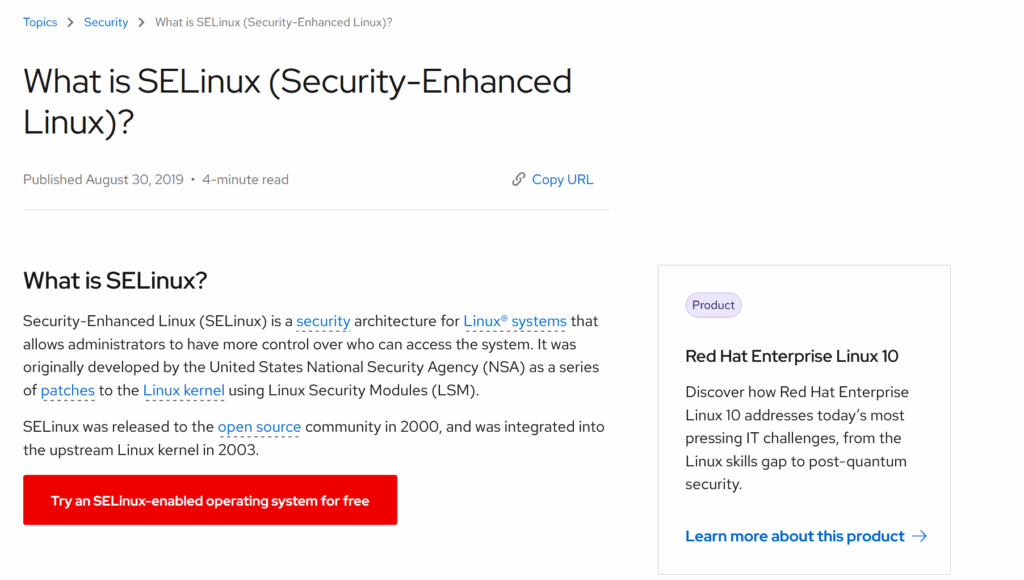
A MAC access control system is almost the exact opposite of DAC. It is much stricter, delegating access rights according to assigned security clearance levels. MAC allows administrators to assign security labels to individual users and then assign the same security labels to data classifications as needed. Users can then only access the data that shares the same security label as them. MAC is most commonly found in military networks; thus, the security labels available in MAC instances typically mirror the military security levels: Unclassified/Public, Sensitive/Internal, Confidential, Secret, and Top Secret. MAC is usually not found in small business environments, but some access control systems allow you to implement it. Perhaps the most popular is SE-Linux, a Linux security system that allows you to set MAC for resources on your Linux systems.
Role Based Access Control (RBAC)
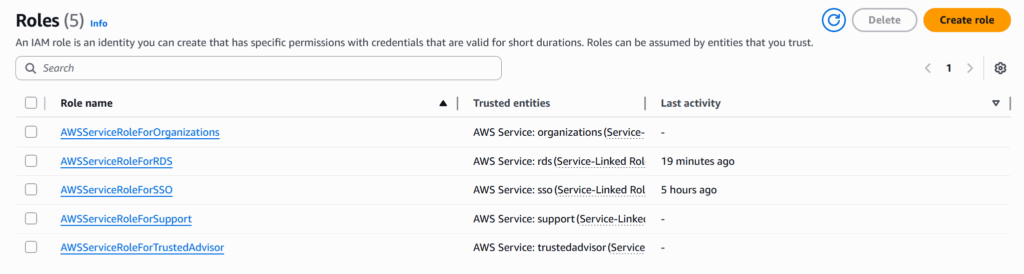
The dominant access control model for cloud computing platforms, RBAC, is probably the best access control method for a business environment, especially one with high turnover and/or shifting of employees. RBAC allows administrators to create specific roles that mirror the real-life roles and responsibilities assigned to employees. The administrators then delegate roles with specific rights and privileges for digital resources. User identities are then assigned to the appropriate roles, thus inheriting the rights and privileges attached. RBAC is straightforward and allows for very granular control by administrators.
Attribute-Based Access Control (ABAC)
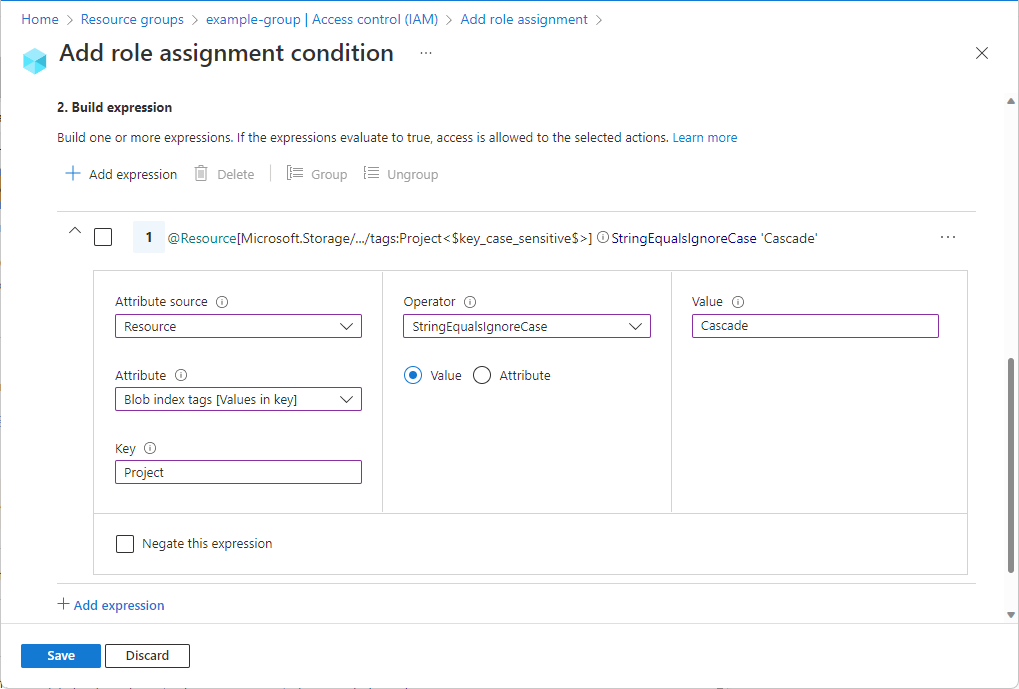
ABAC is similar to RBAC, but it takes more factors into account when deciding whether to allow or deny user access. ABAC factors in conditions like the specifics of the users and resources, the geolocation of the requesting user, date and time, and the status of the requesting device. As you can tell, ABAC is the most granular of access control models. It has the potential to bring the best security to your environment, but can be difficult to implement if you don't know what you're doing. Luckily, many cloud platforms like Microsoft Azure allow customers to expand their default RBAC by requiring other conditions to be validated, thus turning it into ABAC.
Now that you have a summary of the different access control models, you should be getting an idea of what your business resources would benefit from the most. As I mentioned, you are likely to use multiple access control methods in your environment since different vendors and platforms use different models in their systems. To get a better understanding of your environment, find out which models your platforms use. In further documentation, this framework will direct you to closely study your workplace identities and list out the privileges each one should be assigned. The knowledge gained here will make this task much easier for you moving forward.