One of the major issues when considering improvements to network infrastructure is the substantial financial burden of physical hardware. A simple workstation costs hundreds of dollars, and a single server often costs thousands. In a small business environment, it isn't possible to justify the cost of professional server configurations, yet the services themselves are still desired. Luckily, two special technologies exist to eliminate the cost of running multiple physical servers: Virtualization & Containerization.
Virtualization
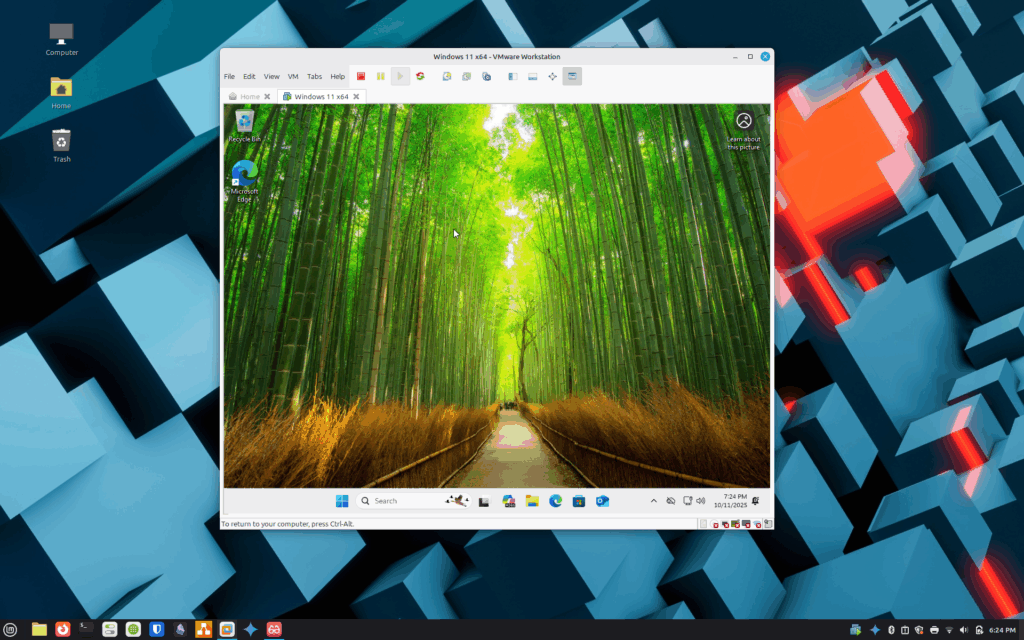
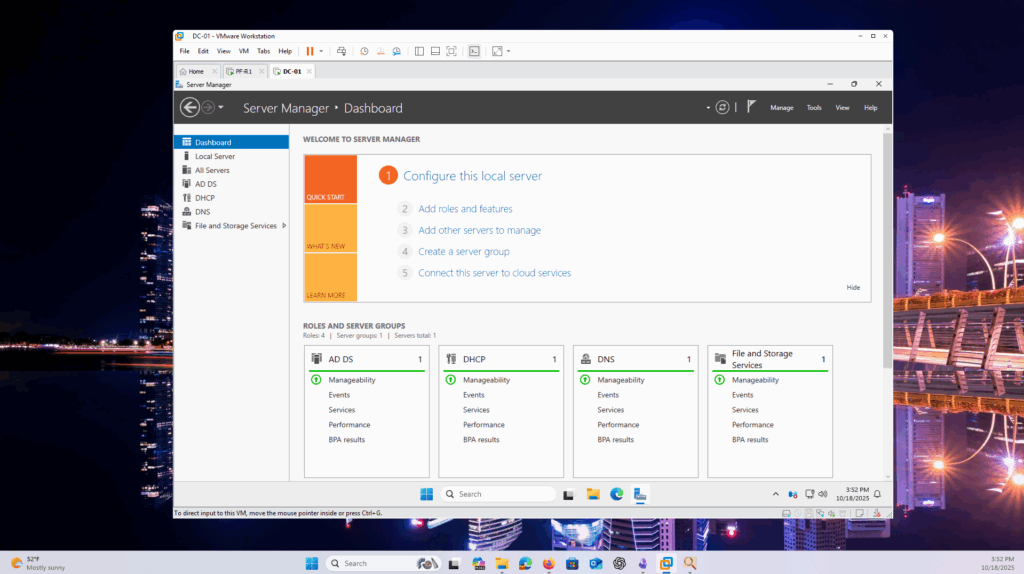
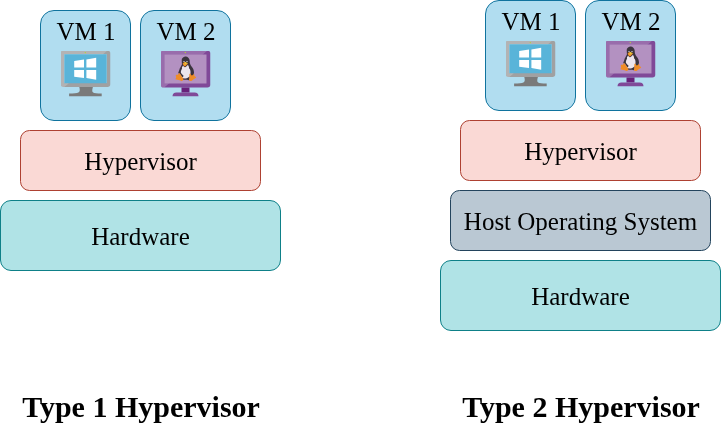
This technology allows users to create many individual operating system instances on a single system. Virtualization interacts with the host computer through a piece of software called a hypervisor. The hypervisor enables you to assign a certain amount of physical system resources to virtual machines. A virtual machine is exactly what it sounds like: a completely virtual system that uses a portion of the resources on the host system. The VM runs an independent instance of your chosen operating system as a guest OS. A single system can host many different virtual machines, all of them able to run a different operating system and serve a different purpose in the work environment.
By the above description, you can see how virtualization is a handy tool. Traditionally, if you need a web server, FTP server, and database server, you would have to buy a dedicated physical machine for each one. With virtualization, you can buy a single, high-powered system and create three different VMs to run the three different servers. The positive financial effects of this solution can be astronomical.
Various solutions exist for virtualization. Oracle VirtualBox and VMware Workstation are two prominent open-source solutions. These programs run directly on your host machine's OS and allow you to spin up different VMs at your liking. This is called a Type 2 Hypervisor. On the other hand, solutions like Proxmox and VMware ESXi run directly on a system's hardware, known as bare metal. They use the entire system as the virtualization platform and require you to provision the VMs from a dedicated dashboard. This is called a Type 2 Hypervisor.
In a small business environment, a Type 1 Hypervisor like VirtualBox is the recommended solution. You can easily create and remove different VMs at your liking. A VM doesn't specifically have to host a server either. You can use a VM to run an old, unsecured program that you want to isolate from your other assets. You can also keep a VM on hand for visiting websites or downloading programs that appear sketchy to you. In this way, VMs have the added benefit of providing security and segmentation to your network.
To get started with virtualization, visit our tutorial on Creating a Virtual Machine for Running Legacy Software.
Containerization
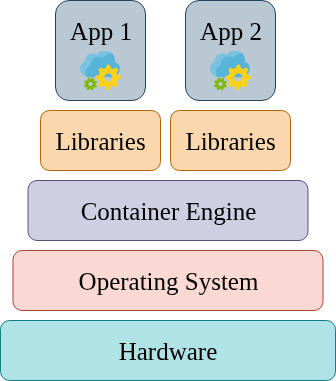
If virtualization still seems too bulky of a process for your business, an even easier and cleaner option exists for deploying multiple services on a single device. Containerization is a process that allows seamless packaging and transportation of services between devices and environments. Services are packaged and stored in individual containers, within which they can be moved, started, and stopped in an extremely simple process. The backend of the applications are stored in configuration files, which are controlled via a container management software. If you are going to implement containers into your network, you are almost certainly going to use the free program known as Docker. With Docker, you use simple commands to start, stop, and control individual containers.
If you wanted to implement an internal web application, database, performance monitor, and web filter in your business environment, you could simply install Linux and Docker on a beefy system and spin up four different containers running specific programs to host each service. Each container will use the host system's IP address and bind to a specific port through which the rest of the network can reach it.
I highly recommend containerization for small business environments that want to host network services with as little overhead as possible. Installing Docker and creating containers will take a bit of practice, as implementing any new infrastructure will. However, when you get the hang of it, you will find that containerization is an extremely easy technology and is a lifesaver if you have a limited IT/cybersecurity budget.
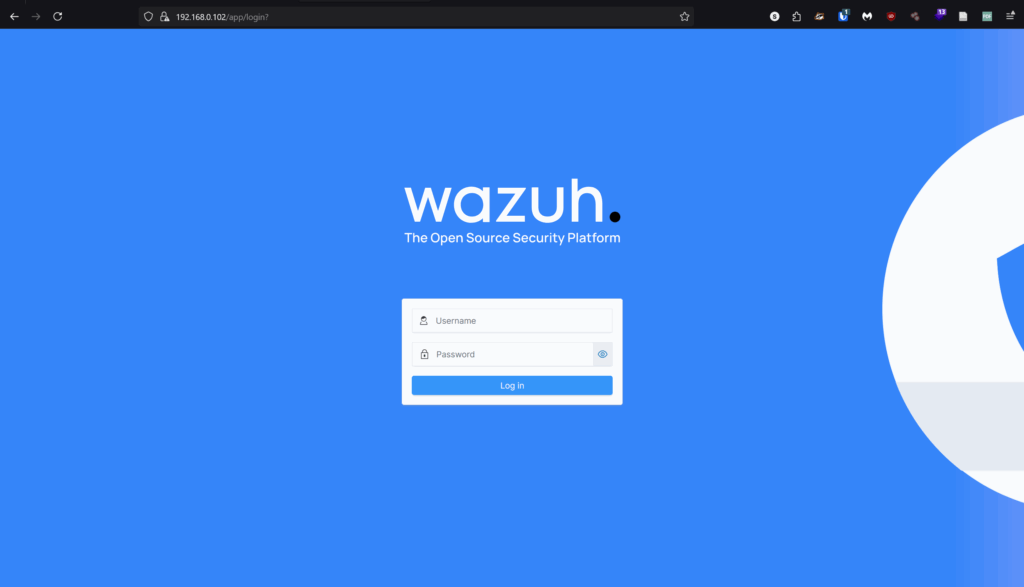
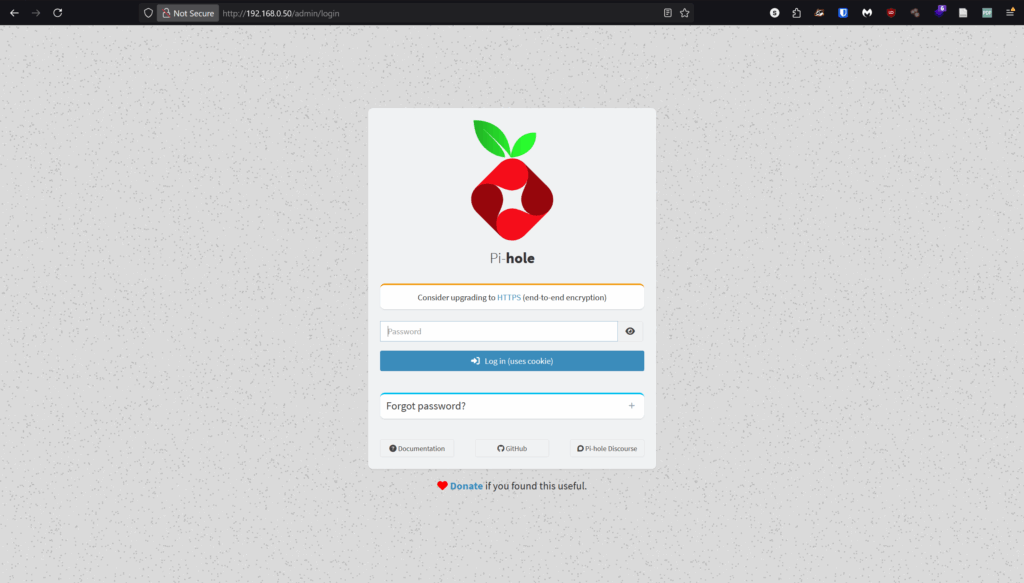
Example: I have an OpenVAS vulnerability scanner, an OpenCTI threat intelligence platform, a Wazuh SIEM, and a PiHole ad/content filter all running on one old computer with Docker! For a small environment like my home office, it is a perfect solution.
Examples